The Smart IP Phone: Powering Hybrid Work in 2026
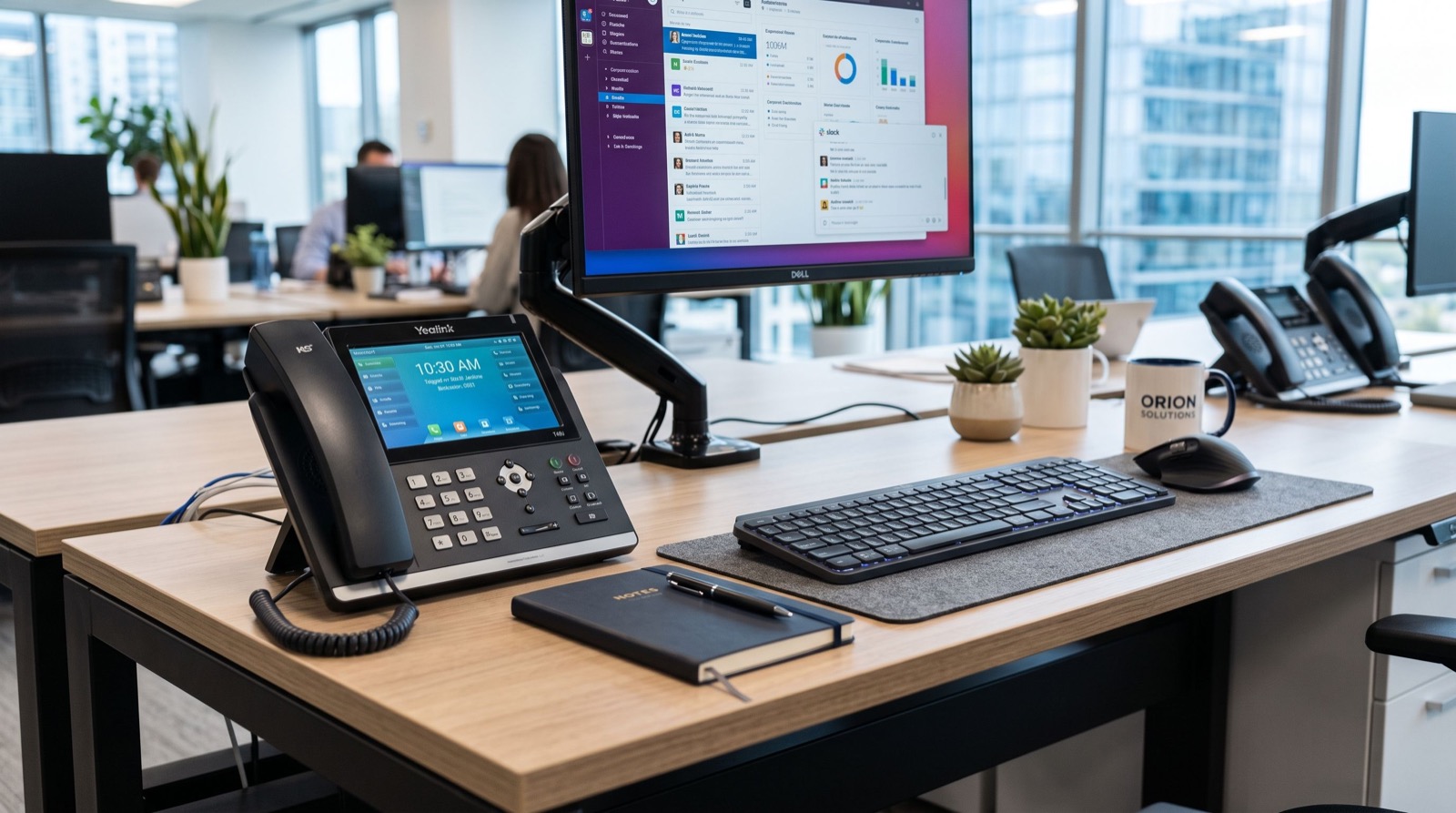
Hybrid work did not kill the desk phone. It reinvented it. In 2026 the modern IP phone is a small communications hub with a touch screen, a camera, and Bluetooth, sitting where a plain handset used to be. For teams split between the office and home, that shift matters more than most people realize.
This article looks at how smart video-capable phones close the gap between remote and in-office staff, what to look for, and how to roll them out without overwhelming your team. The goal is simple: make every conversation feel like everyone is in the same room.
What Makes a Modern IP Phone Different
A decade ago a business phone did one thing: it carried voice. Today the same desk device joins video calls, pairs with a wireless headset, shows your calendar, and updates its own firmware overnight. It behaves less like a telephone and more like a purpose-built appliance for talking to people.
That evolution is why so many offices now standardize on a full range of IP Phone / IP Phones instead of a single basic model. Different roles need different tools, and the smart tier at the top of the lineup carries the heaviest collaboration load.
The features that define the smart tier
- A large color touch display for menus, contacts, and video.
- An integrated or attachable HD camera for face-to-face calls.
- Bluetooth and Wi-Fi so cables no longer dictate desk layout.
- Android-based apps for calendars, directories, and conferencing.
Why Video at the Desk Beats Yet Another Laptop Window
Everyone already stares at a laptop all day. Adding a dedicated device for video calls sounds redundant until you try it. A desk phone with a camera keeps your main screen free for documents while the call runs on its own hardware, with audio tuned for speech rather than movie sound.
There is also a focus benefit. When the call lives on a separate device, notifications, browser tabs, and stray messages stop hijacking the conversation. Clients feel that difference, and internal meetings finish faster.
A flagship example
The Fanvil V67 Flagship Smart Video Phone shows where this category is heading, with a wide touch screen, an adjustable camera, dual-band Wi-Fi, and Bluetooth built in. A device like that turns an ordinary desk into a video-ready station without cluttering it with extra gadgets.
Comparing Communication Tools for Hybrid Teams
To decide where a smart IP phone fits, it helps to see it beside the alternatives your team already uses. Each tool has a place; the point is knowing which job each one does best.
| Tool | Best for | Weak spot |
|---|---|---|
| Laptop softphone | Travel and quick chats | Battery, app crashes, mute mistakes |
| Mobile app | On-the-move calls | Small screen, background noise |
| Smart IP phone | Daily desk work and video | Fixed location |
| Meeting-room system | Group conferences | Overkill for one person |
Read across that table and the pattern is clear. For the person who runs their day from a desk, a smart IP phone covers the widest set of tasks with the fewest compromises.
How Do You Introduce Smart IP Phones Without Confusing Staff?
New hardware fails when nobody explains it. The fix is a short, structured introduction rather than dropping phones on desks and hoping for the best. Treat the rollout as a mini training event, not a delivery.
- Pre-configure every phone with the user’s extension and contacts.
- Run one 20-minute session covering transfer, hold, and video.
- Post a one-page cheat sheet by each desk for the first two weeks.
- Nominate one confident user per floor as the go-to helper.
Partnering the rollout with reputable service experts who handle the provisioning and initial training removes the technical worry and lets your staff focus on simply learning the buttons they will press every day.
Standards, Security, and Peace of Mind
Smart phones carry more data than old handsets, so security deserves attention. The good news is that IP telephony rides on mature, well-documented protocols. The IETF SIP specification defines the open signaling these devices use, which keeps you free to choose compatible hardware and providers.
On top of that, follow basic hygiene. Reputable guidance such as the CISA cybersecurity best practices applies here: use strong unique passwords, keep firmware updated, and segment voice traffic on its own network where you can. These steps protect both your calls and your data.
One practical insight
Enable automatic firmware updates during off hours from day one. Most avoidable phone issues trace back to stale firmware, and a fleet that patches itself overnight saves your team a surprising amount of support time over a year.
The Long-Term Value of Standardizing Your Fleet
Buying one brand and family across the office pays off far beyond the first invoice. A single provisioning template covers every phone, spare parts interchange freely, and staff who move desks find a familiar layout waiting for them. Consistency is an underrated feature.
Standardizing also simplifies training. When the transfer, hold, and conference buttons sit in the same place on every device, your one-page cheat sheet works everywhere. New hires reach full productivity faster because there is nothing device-specific to relearn from desk to desk.
Plan for a five-year horizon
Business phones are long-lived hardware, so weigh the purchase against the years you will keep it. A smart device that gains new app features through firmware updates ages far more gracefully than a fixed-function handset. Think of the screen and camera as a platform, not a one-time spec, and the higher upfront price stretches across many years of use.
Frequently Asked Questions
Does a smart IP phone replace video conferencing software?
It complements it. Many smart phones run popular conferencing apps directly, so the desk device handles one-to-one and small calls while a room system still serves large group meetings.
Can remote workers use the same phone at home?
Yes. As long as they have internet, a smart IP phone registers to your system from home exactly as it does in the office, giving remote staff the same number and features.
Is the camera on all the time?
No. The camera activates only when you start or join a video call, and most models include a physical shutter or an on-screen indicator for privacy.
What internet speed does a video IP phone need?
A stable connection of a few megabits per second in each direction is plenty for a clear one-to-one video call. Enable quality-of-service so voice and video get priority.
Conclusion and Next Step
A smart IP phone is the quiet workhorse of the hybrid office in 2026, joining video calls, pairing with headsets, and keeping remote and in-office staff on equal footing. Choose the tier that fits each role, introduce it with a short training push, and lock in automatic updates. Want to see how a smart desk device could sharpen your team’s calls? Explore the current lineup and upgrade the way your business communicates today.